· Audio Visual
A smart conference room is only smart if people can start a meeting in under a minute. Technology should disappear into a dependable workflow: join the call, share content, be seen, and be heard. Fancy features that confuse users usually get abandoned.
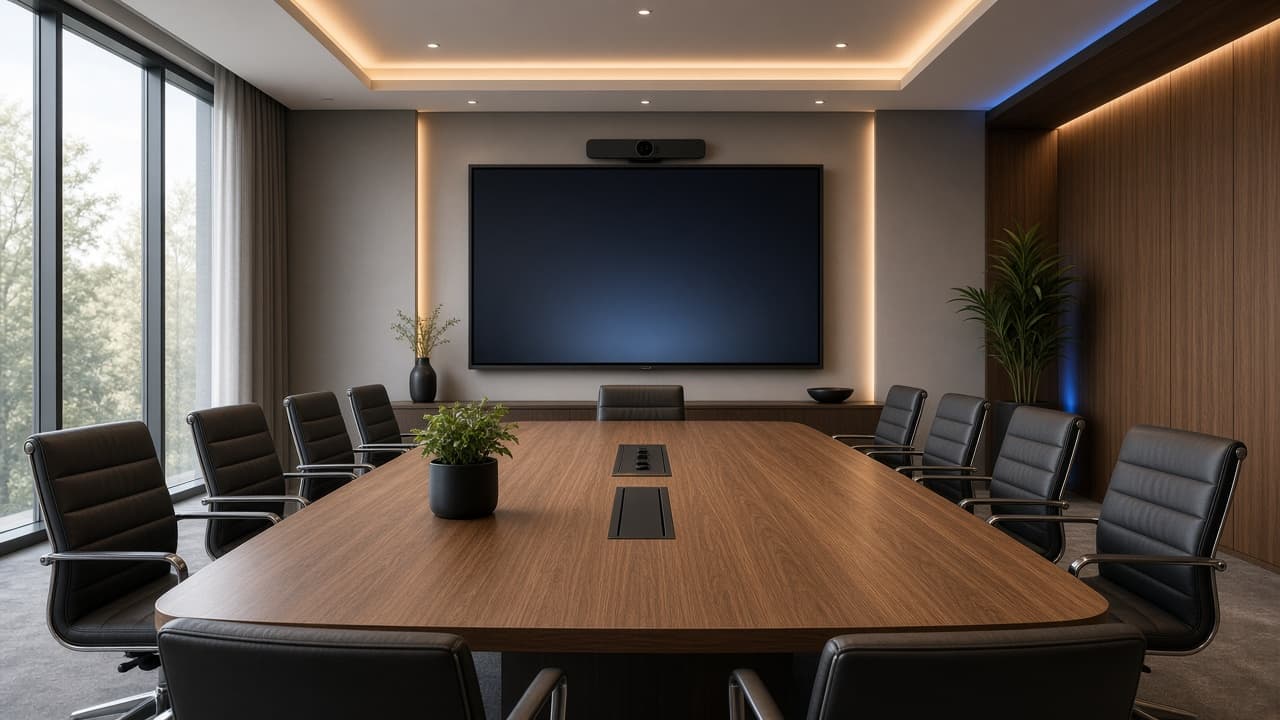
Start with room size and seating. Huddle rooms often work well with a display and video bar. Mid-size rooms may need stronger camera framing and better microphone coverage. Boardrooms benefit from deliberate audio design because long tables punish single built-in mics.
Display choice depends on viewing distance and content type. Interactive panels help workshops and annotation-heavy sessions. Standard commercial displays are often enough for executive meetings focused on video calls and presentations.
Audio deserves equal priority with video. Remote participants forgive average video more easily than unintelligible speech. Consider table mics, ceiling mics, or a tested all-in-one bar, and think about acoustics before blaming the platform.
Cabling and mounting should be intentional. Hidden routes, reliable HDMI or wireless share options, and power at the right places prevent the classic tangle of adapters. Keep a simple spare-cable plan for inevitable guest-device surprises.
Finish with user guidance. A one-page room instruction card, named support contact, and occasional health checks keep rooms reliable. DigiDarpan designs conference rooms around real usage patterns rather than catalog wish lists.